Decoy 60FPS logoDecoy 60FPS
Windows app · One click

Post your TikToks in real 60fps — one click, no code

A ready-to-run Windows app: install, drop your clip, and upload in 60fps. No Python, no scripts, no settings.

Buy now — $20 Launch offer $35

One-time payment — not a subscription. Pay once, own it forever.
  • Secure Stripe & PayPal checkout
  • Instant delivery
  • Lifetime updates
  • Runs on Windows
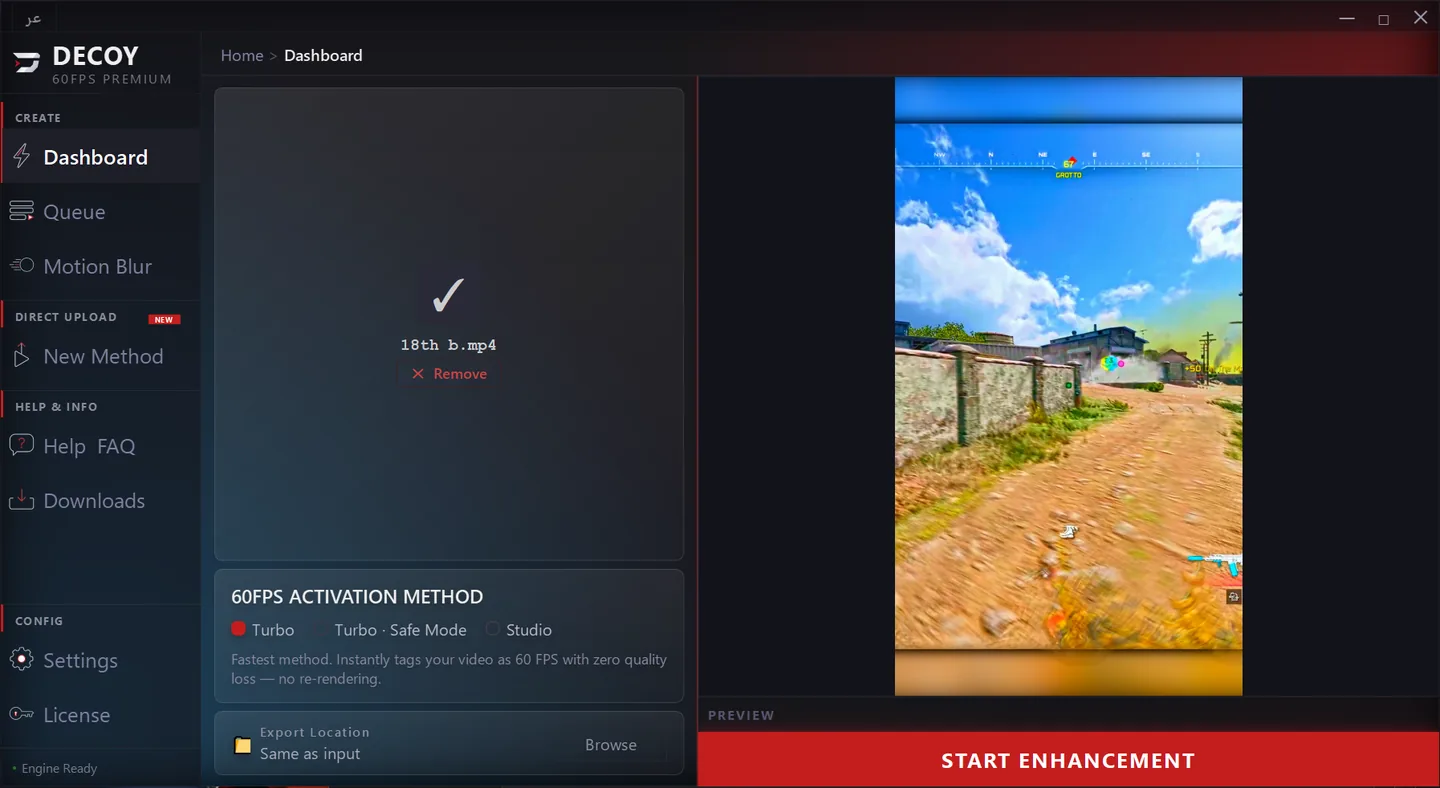
Decoy 60FPS Windows app interface
The problem & the fix

TikTok crushes your quality and kills 60fps

On upload, TikTok re-compresses your clip automatically — so quality and smoothness are lost. This app fixes that before it happens.

Without the app

TikTok re-encodes your clip on upload: quality drops, motion stutters, and 60fps becomes 30. The result is a soft, flat clip that doesn't reflect your editing work.

With Decoy 60FPS

The app processes your clip so TikTok reads it as high-quality 60fps content — keeping the smoothness, sharpness, and strong first impression that keep viewers watching.

The difference inside TikTok

See the before & after

Same clip — before and after processing. The real difference shows up inside TikTok.

Before

After processing

The processed video is read by TikTok as real 60fps — boosting quality and the viewer's first impression.
Real results

Creator before & after

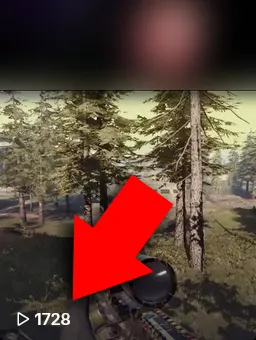
@ilgooy
BeforeBefore — ilgooy1,728 views
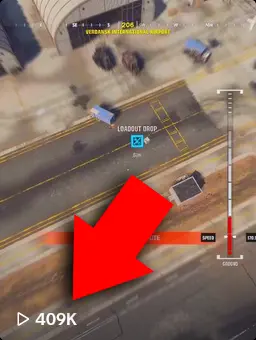
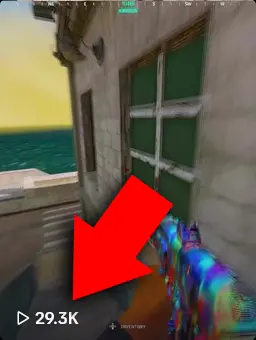
AfterAfter — ilgooy409,000 views
@ijmoolx
BeforeBefore — ijmoolx3,174 views
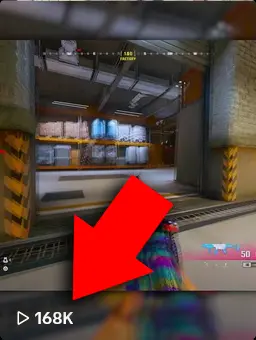
AfterAfter — ijmoolx168,000 views

Results are not guaranteed and depend on the quality of the content and production you deliver.

In three steps

It's this simple

1

Install the app

Download the installer and run it. FFmpeg is bundled inside — there's nothing else to install.

2

Drop your clip

Drag your video into the app and pick a mode. No code, no complicated settings.

3

Upload in 60fps

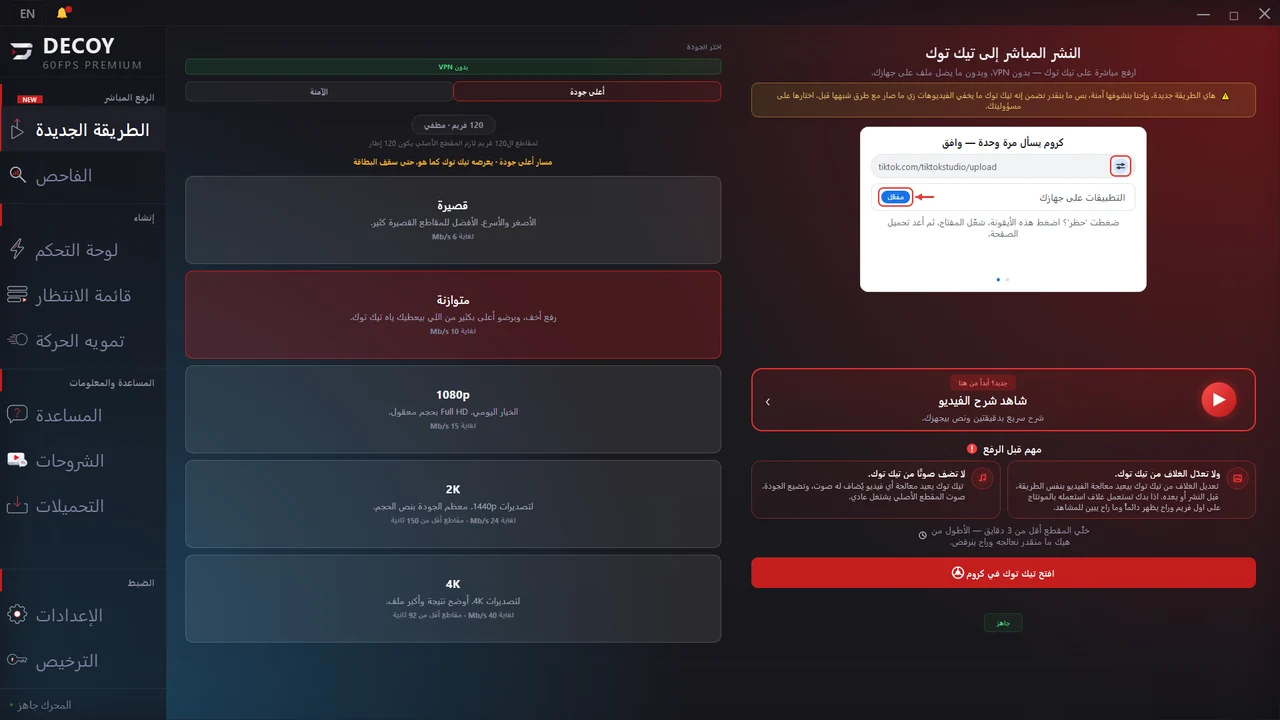
Get the ready file, or upload straight to TikTok with the "New Method" direct upload.

Everything in the app

Pro tools in one place

Every feature is built into the app — one click, no external tools.

60fps conversion

Convert any clip to 60fps with three tiers to fit every situation.
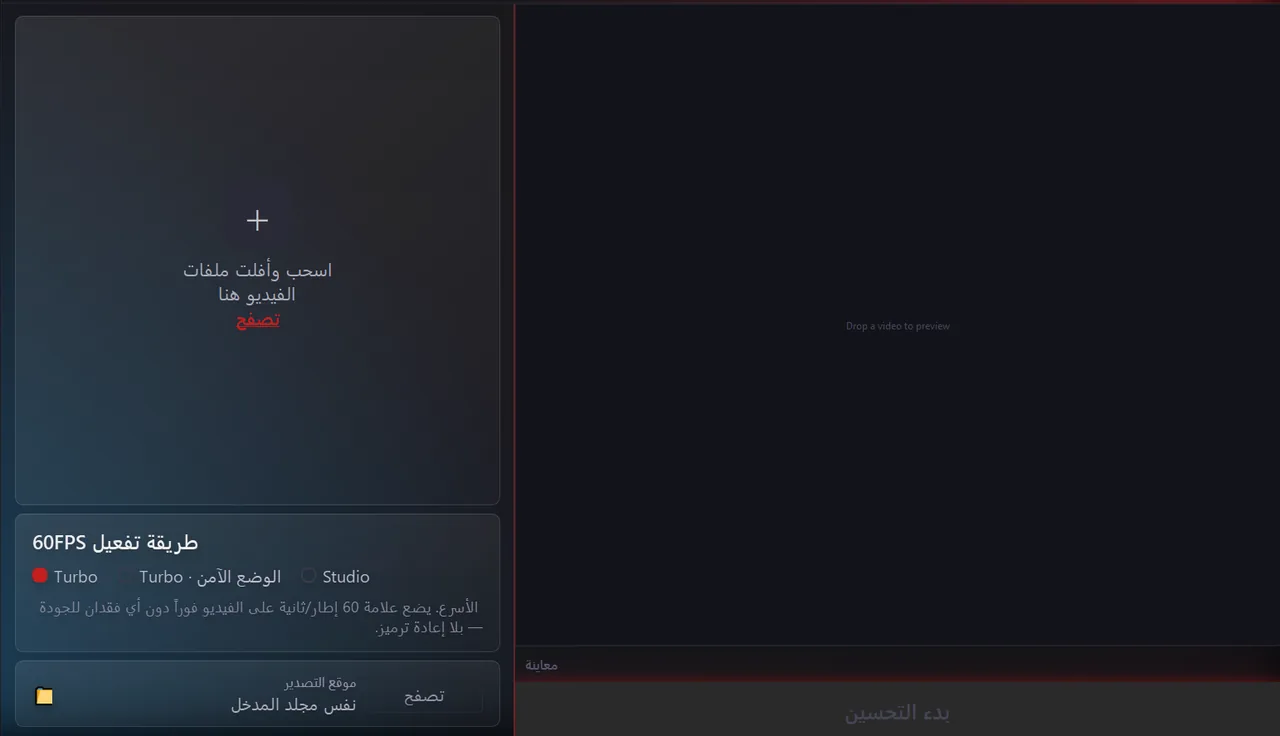
Turbo — instant Turbo · Safe Mode Studio — best quality
Decoy 60FPS Dashboard with the three conversion tiers

New Method Flagship 🔥

Upload straight to TikTok through real Chrome while preserving 60fps — the "1080p+ AUTO" (~50 MB) profile is the default.

New Method tab with the 1080p+ AUTO profile

Motion Blur

Adds smooth, cinematic motion blur to your clips for more professional-looking movement.
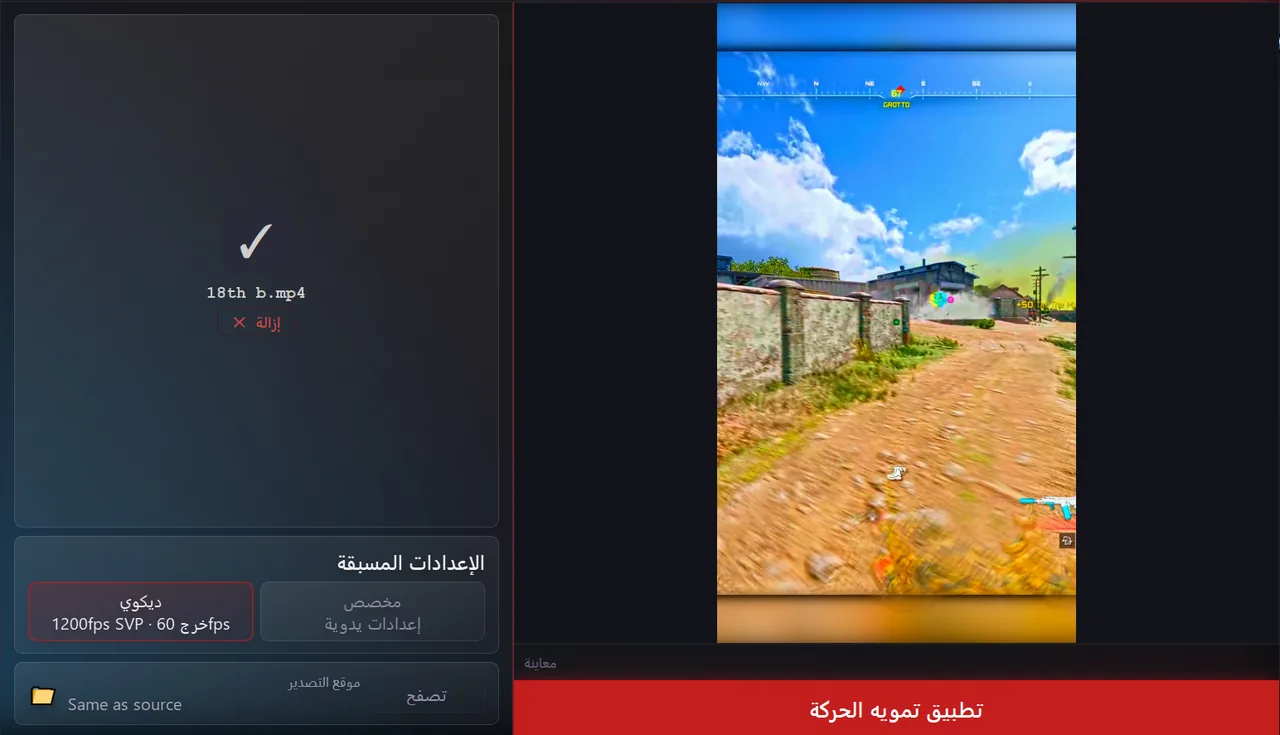
Motion Blur tool inside the app

In-app Downloads

Ready-made color LUTs and Premiere / After Effects presets — one click, no hunting around.
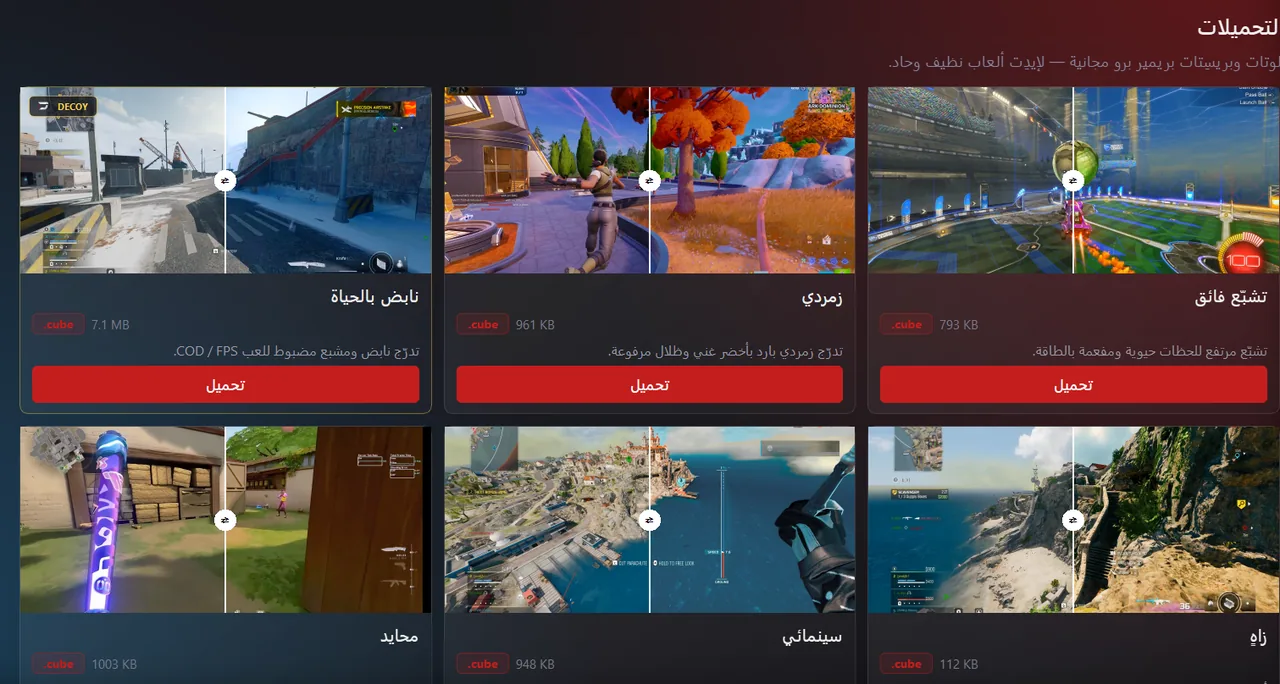
Downloads tab — LUT packs and presets

Export Settings guides

Illustrated export settings for Premiere, After Effects, DaVinci, CapCut, OBS, and Topaz — for the best quality on upload.
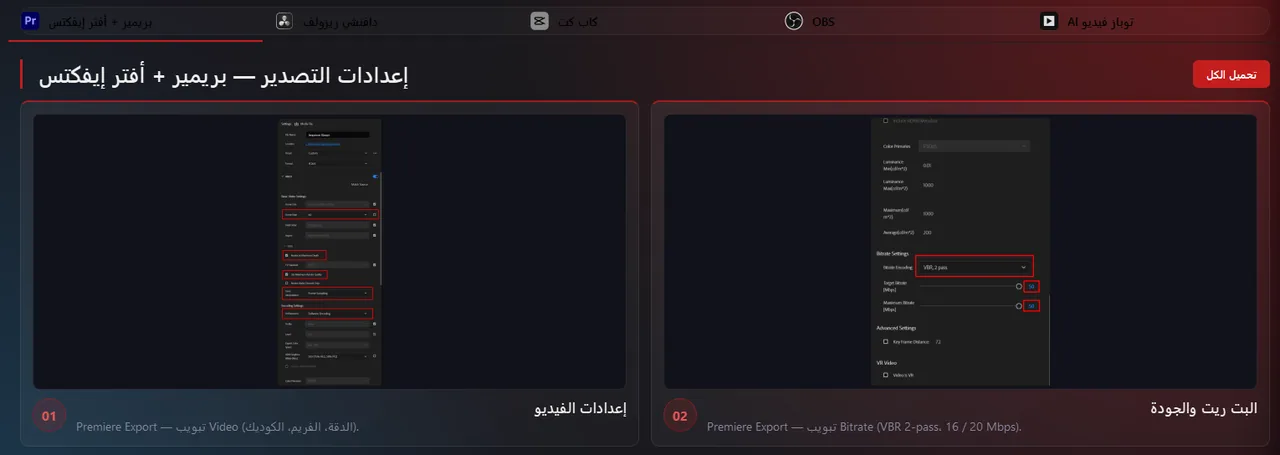
Illustrated Export Settings guides

Tutorials & Help center

Walkthrough videos and FAQs built into the app — learn everything without leaving the tool.
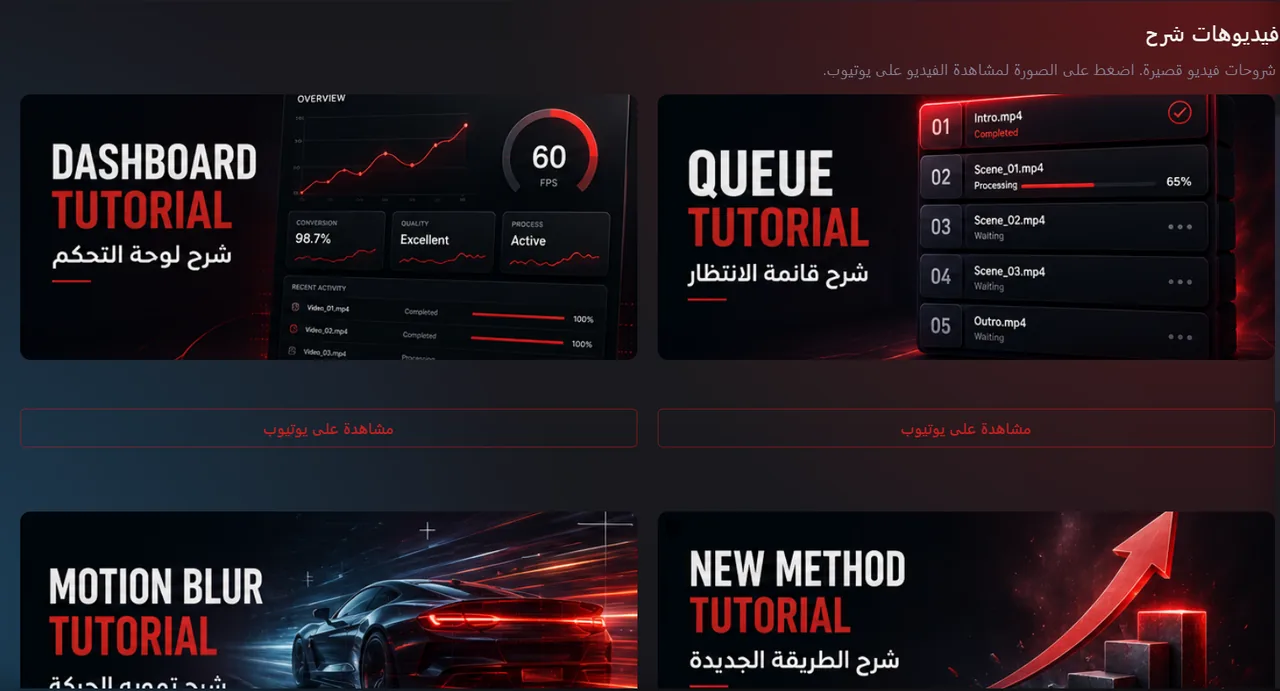
Tutorials section inside the app

License & updates

Lifetime updates for v2.x with silent auto-update · 1-device license · bundled FFmpeg · Arabic & English UI.

Pricing

Pay once — own it forever

Not a subscription. One single payment, no monthly or yearly fees.

The complete package

$35 $20 one-time

Save $15 — 43% off

Lifetime license — one-time payment, no subscription

  • The full Windows app
  • 3 tiers of 60fps conversion (Turbo / Safe Mode / Studio)
  • New Method — direct upload to TikTok
  • Motion Blur — cinematic smoothness
  • LUT packs & Premiere/After Effects presets
  • Illustrated Export Settings guides
  • Lifetime updates + auto-update
  • 1-device license + bundled FFmpeg
Buy now — $20

Secure checkout · Instant delivery · One-time payment, no renewal

FAQ

Questions before you buy

Is this a monthly subscription?
No. It's a one-time payment. You pay $20 once and own the app forever — no monthly or yearly fees, no renewal. All v2.x updates are free for life and arrive automatically inside the app.
Is it safe? Is there a ban risk?
The app processes your clip locally on your machine and uploads it normally, like any regular video. It doesn't tamper with your account or use bots. That said, any tool that relies on TikTok stays subject to the platform's policies.
What does it run on?
A Windows computer or laptop only. It won't run on a phone alone.
How many devices does the license cover, and what if I switch PCs?
The license covers one device. When you switch machines, contact me to reset the activation and move it over for you.
Are updates free?
Yes — all v2.x updates are free for life and arrive automatically inside the app.
Are there refunds?
No, because it's a digital product delivered instantly after payment.
What if my clip isn't 60fps to begin with?
For the best result, your source clip should already be 60fps. If it's lower, first raise the frame rate with software like Flowframes or Topaz, then convert it with one of the 60fps tiers in the app.
How fast is the conversion?
The Turbo tier is near-instant because it doesn't re-encode. The Studio tier re-encodes for the best quality, so it takes longer depending on clip length and your PC.